User Management
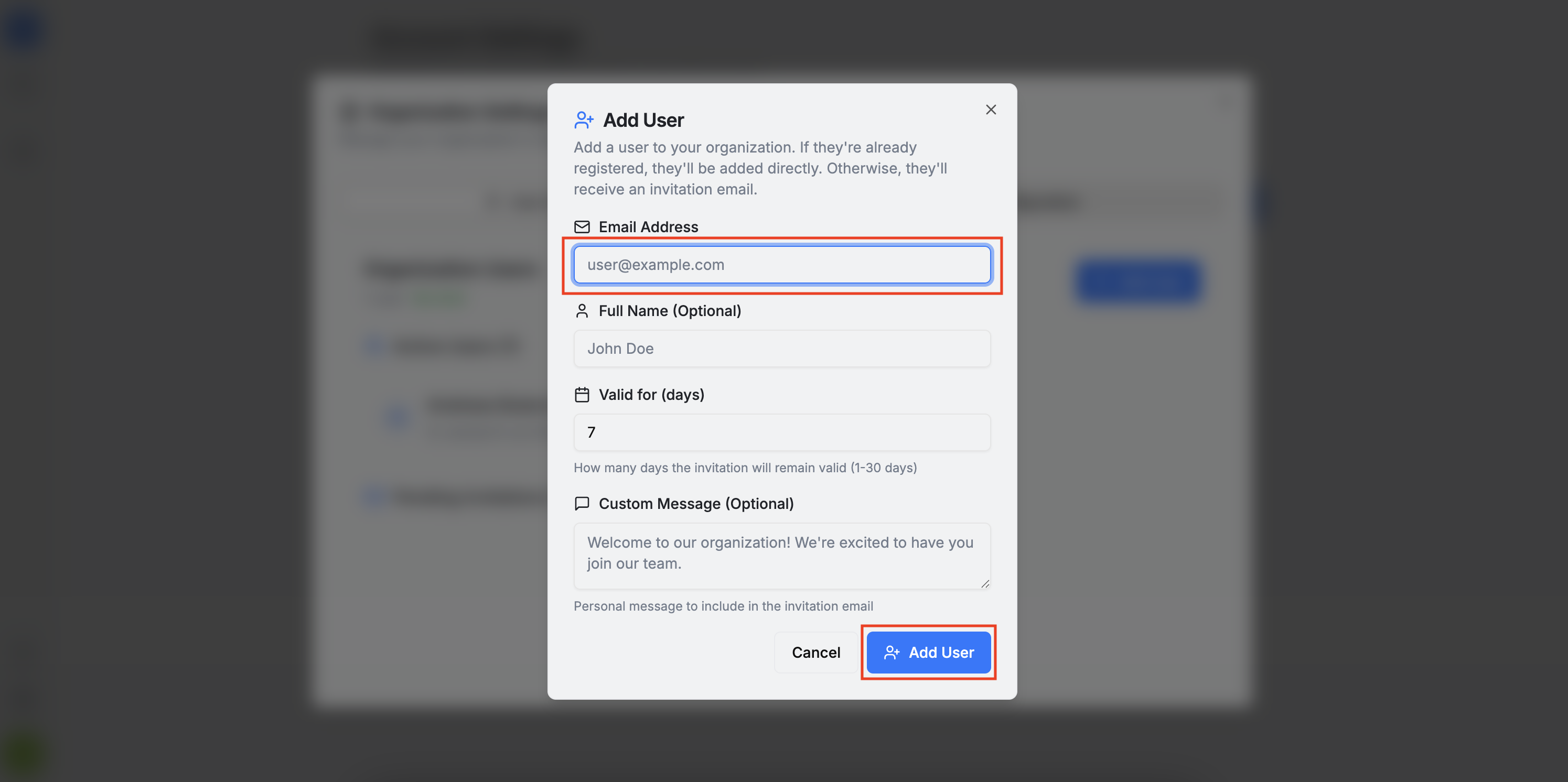
In the User Management section, you can manage the organization members. Here, you can view the current active and pending members, as well as send invitations for new users to join.
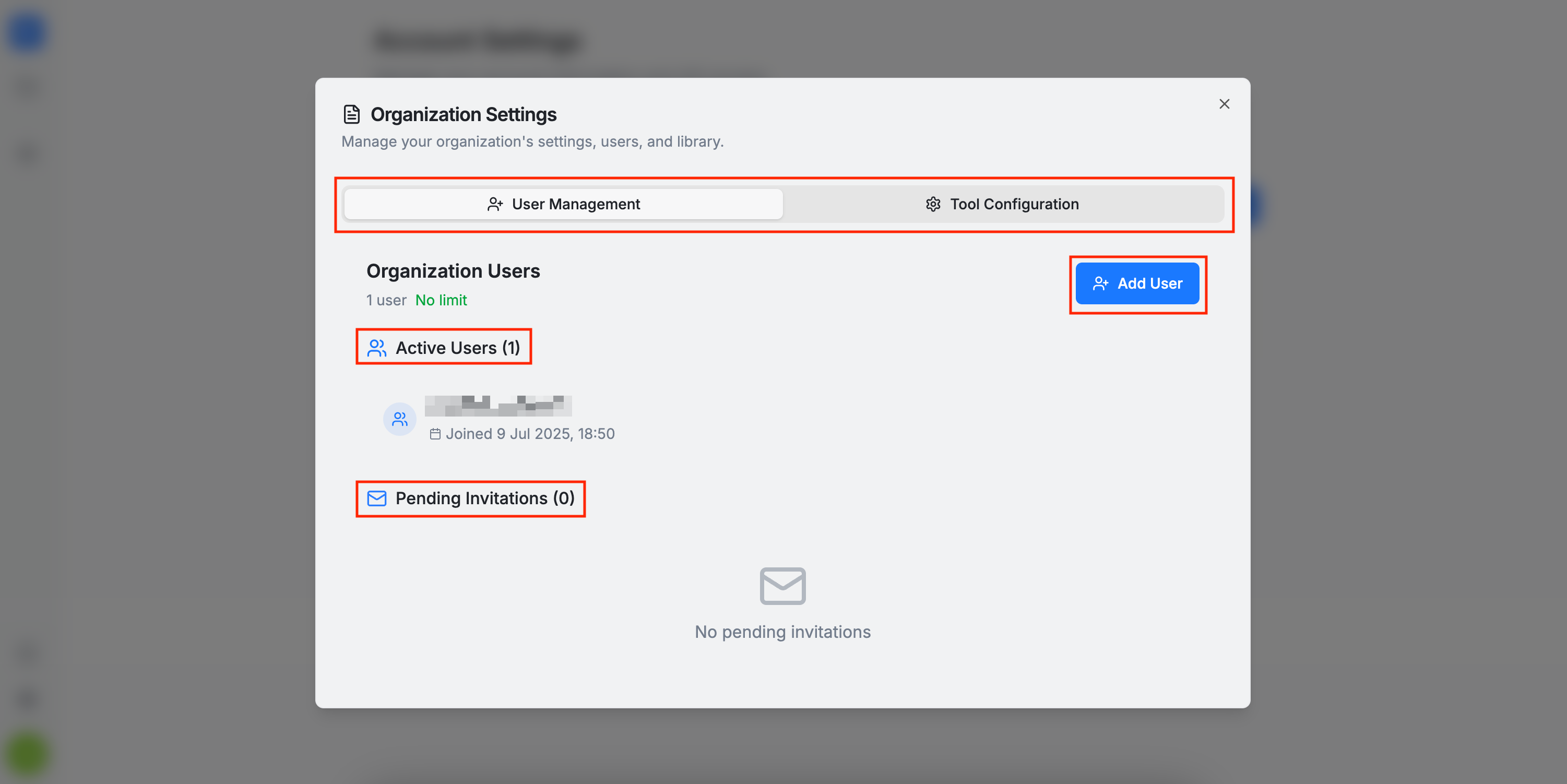
Please keep in mind the following:
-
If the invited user is already an active AuditHub user, they will be automatically added to the organization.
-
If the user is not yet onboarded in AuditHub, they will receive an invitation email to complete registration. After they register, they will be automatically added to the organization, as described in the Onboarding Process section.
-
There is a user limit for each organization. If you need to increase the user limit, please contact us. Veridise support personnel do not count toward this limit.
-
If you need to cancel invitations or remove users please contact us.