Organizations
If you need a refresher on organizations, see Organizations. This page lets you select your active organization.
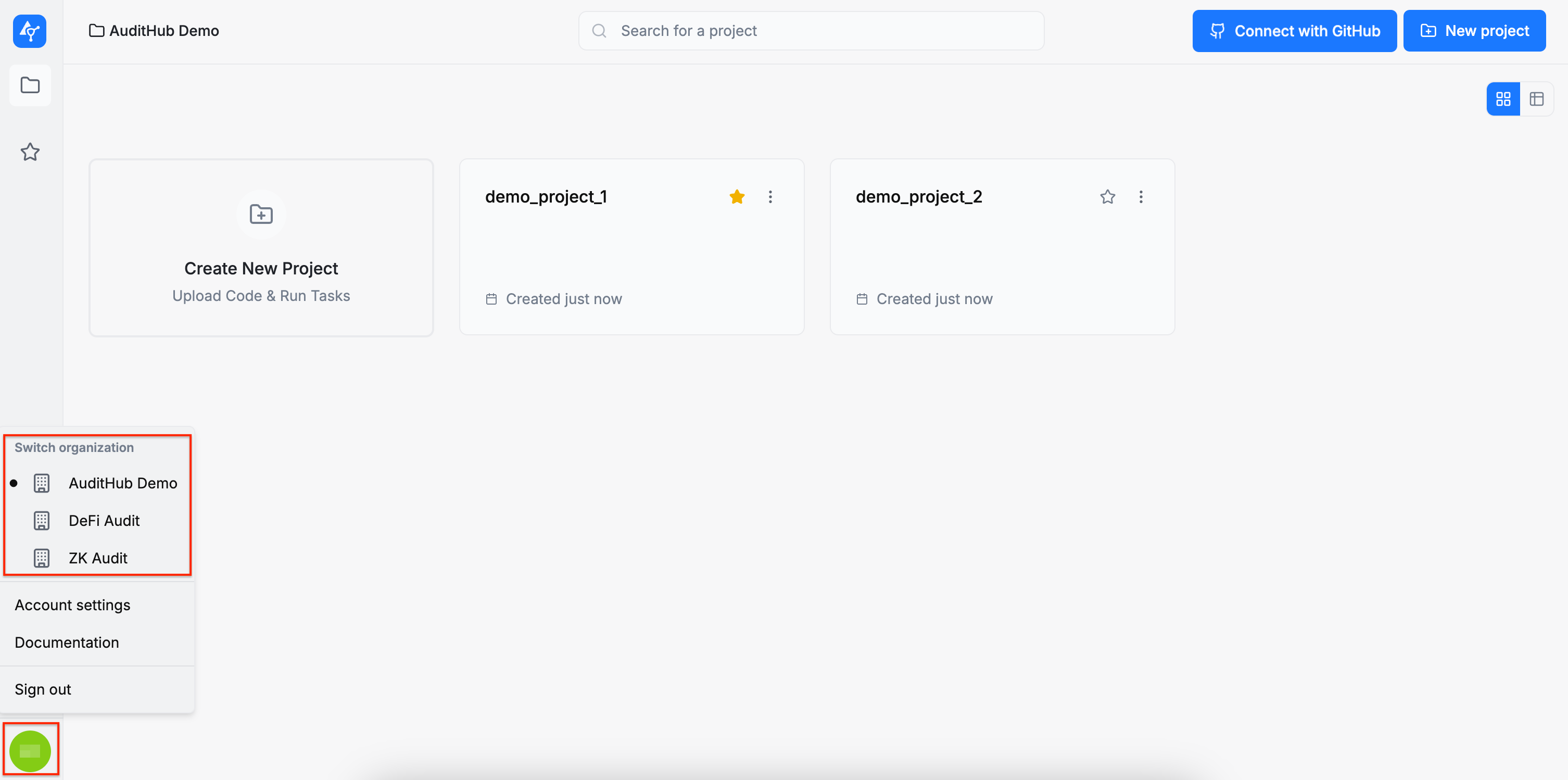
After logging in, you will be taken to a page listing all the organizations you have access to. From there, you can search for an organization or sort the list by name or creation date, in either ascending or descending order, using the corresponding buttons. Selecting an organization will take you to its home page. If you belong to only one organization, you will be redirected there automatically. You can also log out from this page.
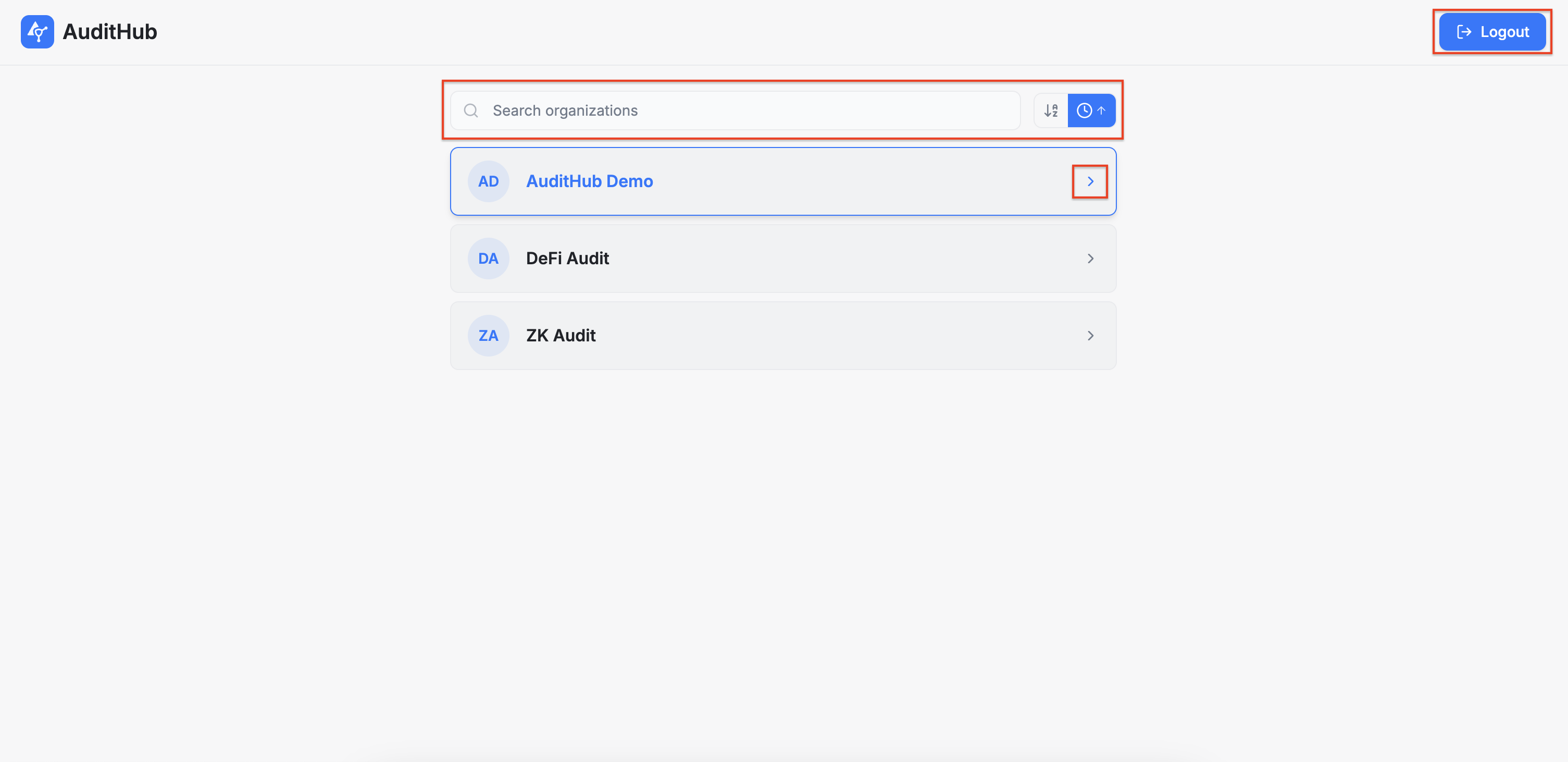
If you want to switch to a different organization later, you can do so by clicking the user icon on the left side of the screen and selecting the organization of your choice. Please note that any sorting preferences you applied on the organizations page will also be reflected here.