Tool Configuration
In the Tool Configuration section, you can manage your organization’s libraries.
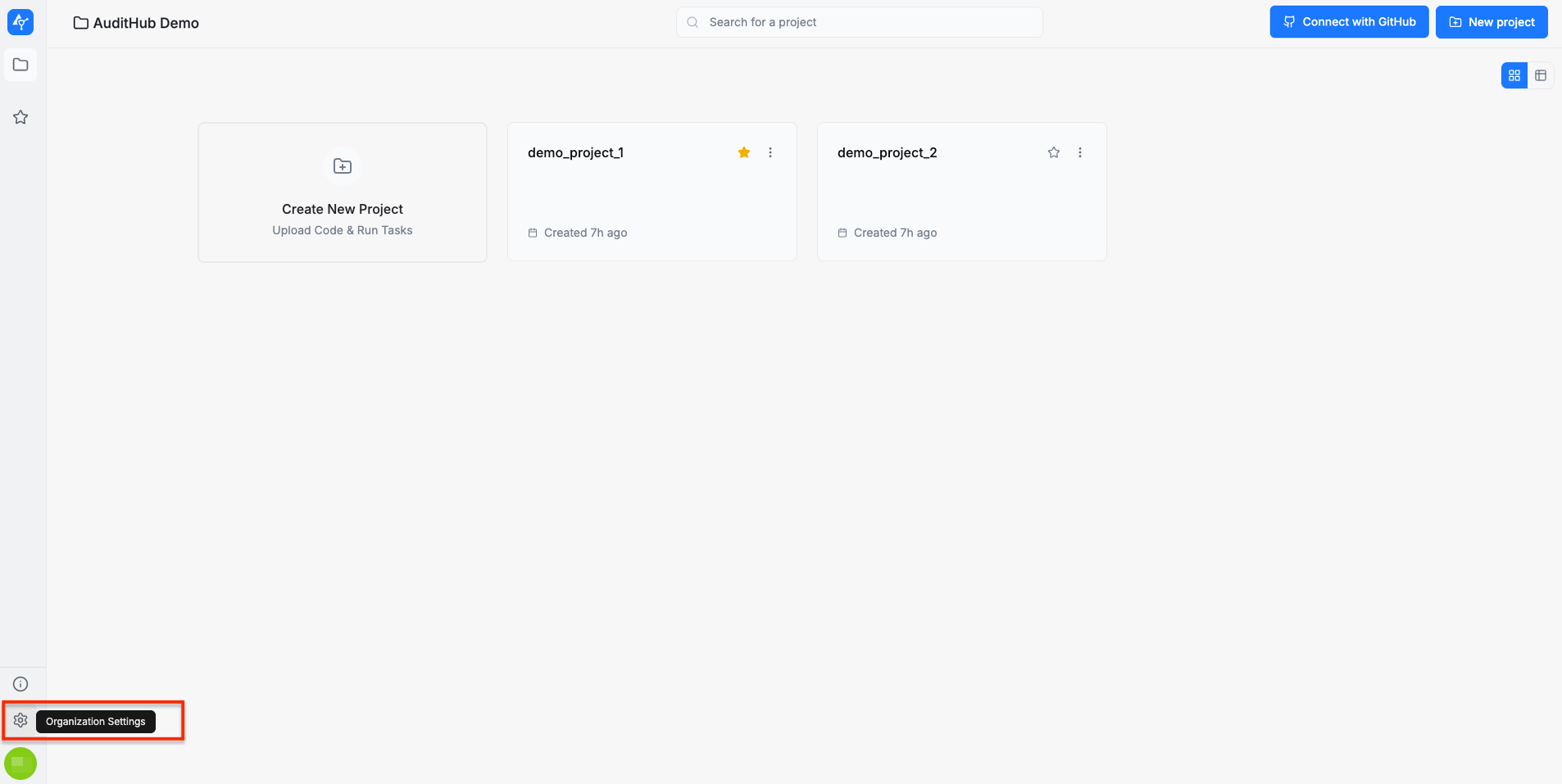
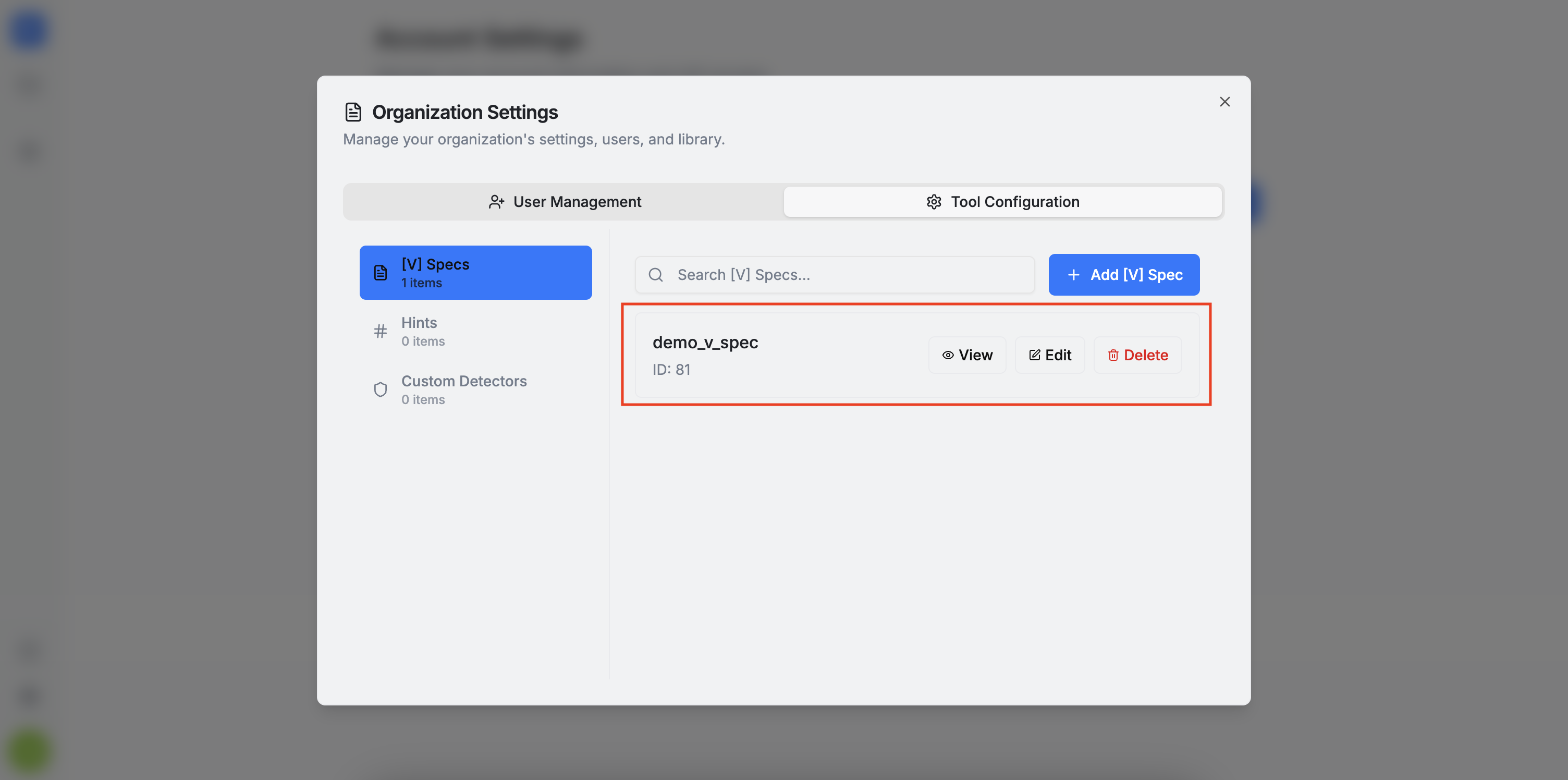
In this section, you can add, view, edit, or delete organization library items.
The items on this page are organization-wide. Please be careful when editing or deleting them.
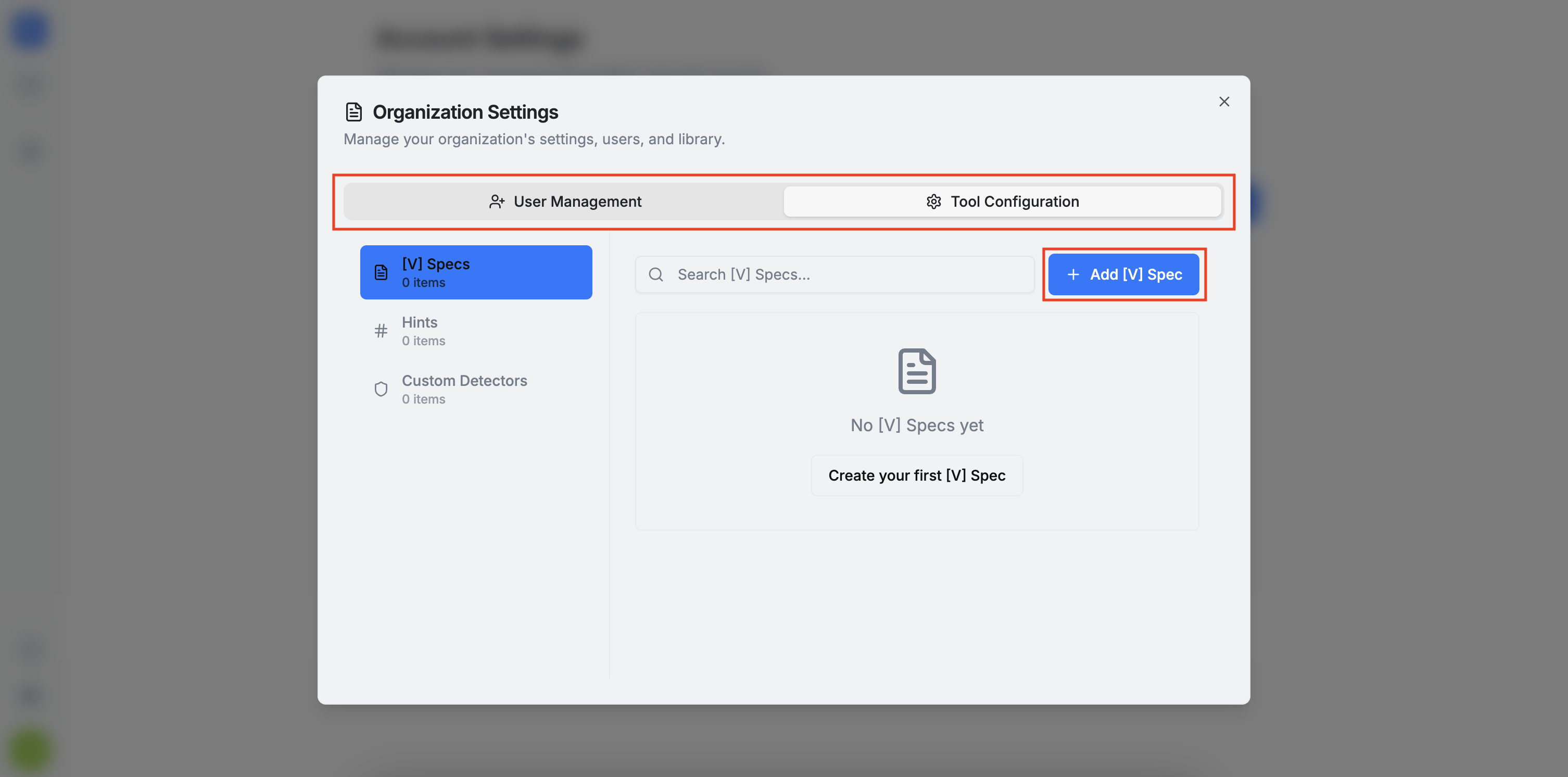
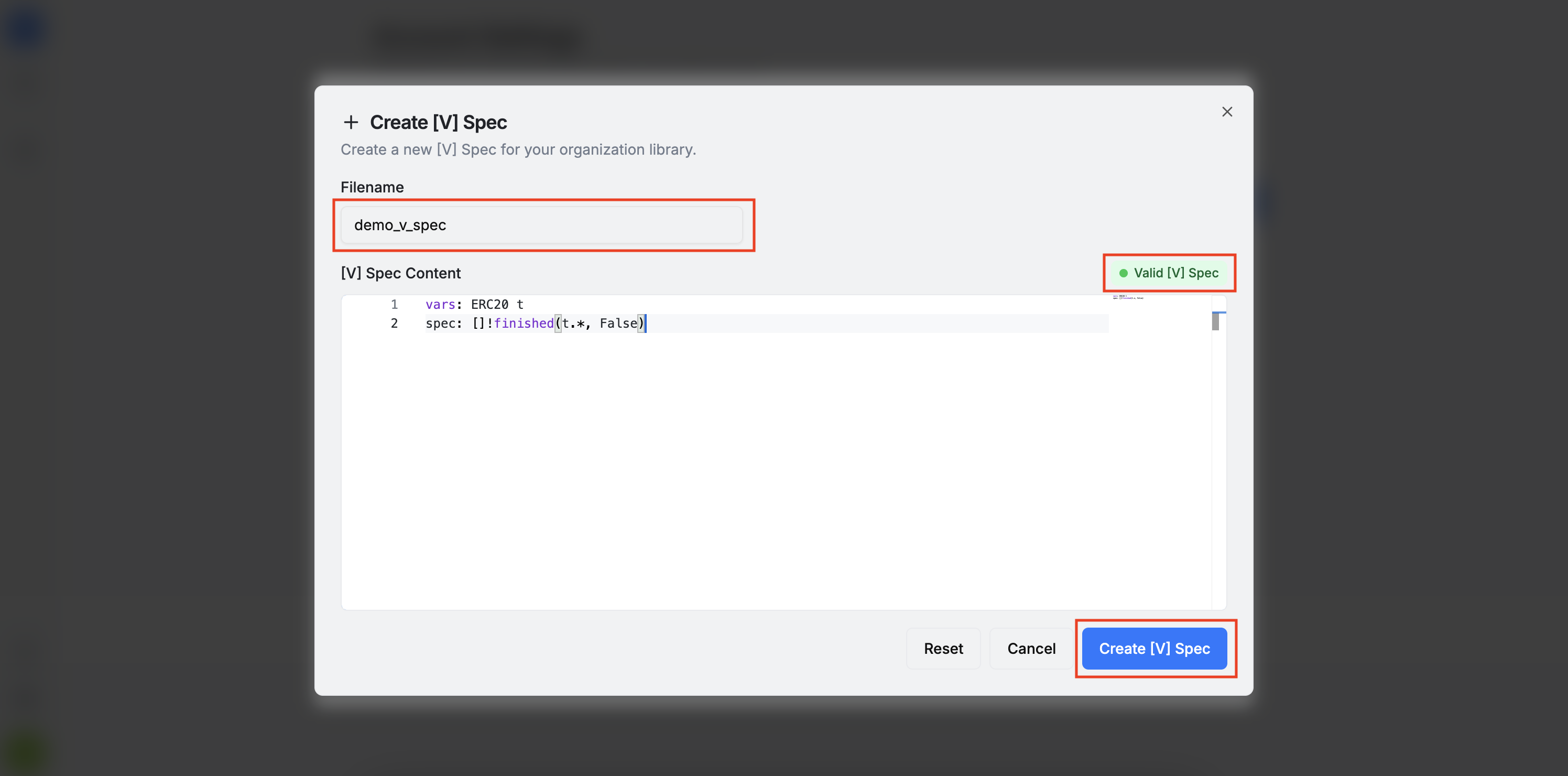
To add a new [V] spec, click the + Add [V] Spec button. This opens a form where you can name your spec and add its content. Please note that [V] specs follow a specific syntax. More information about the [V] Specification Language can be found here.
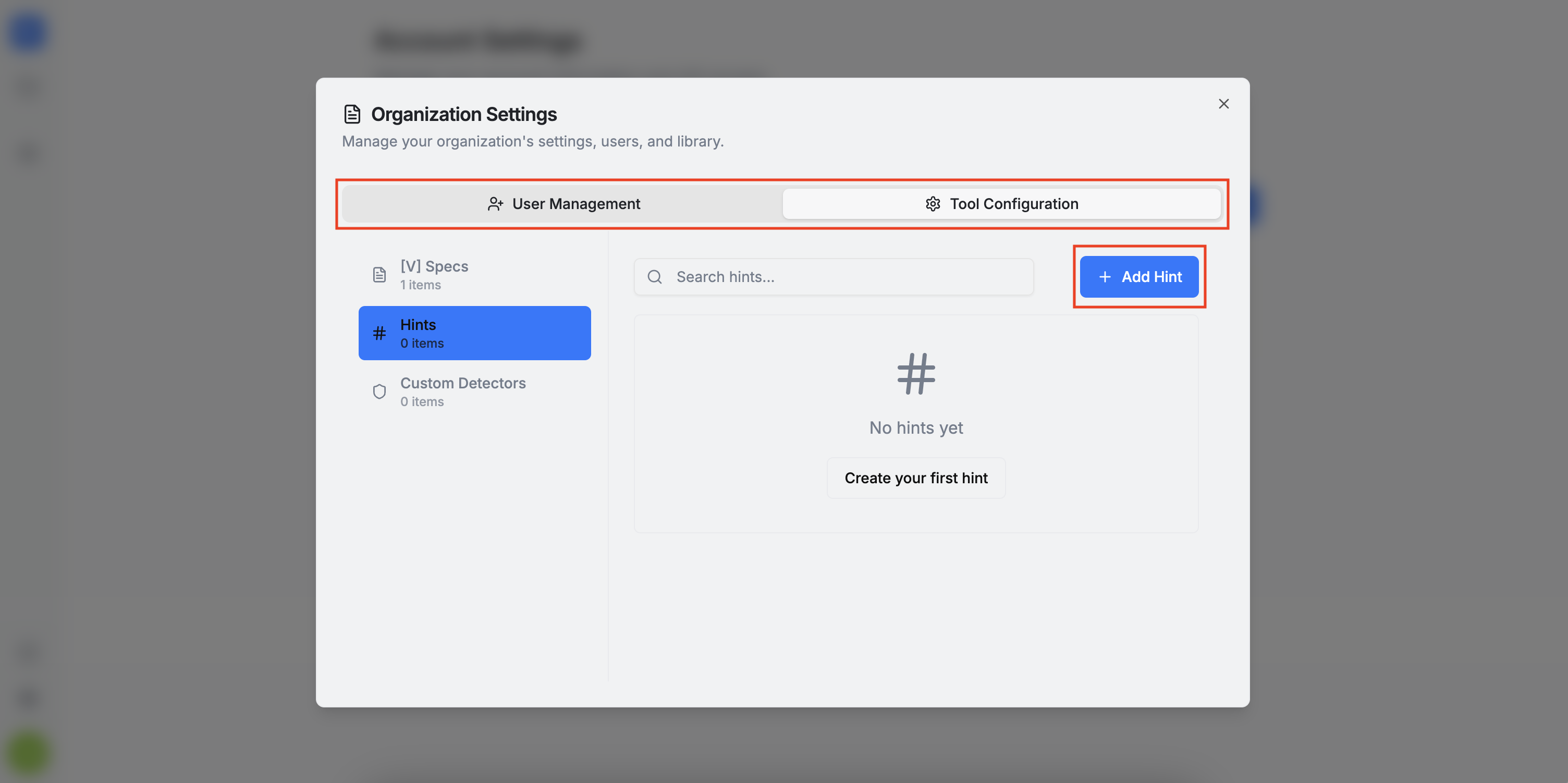
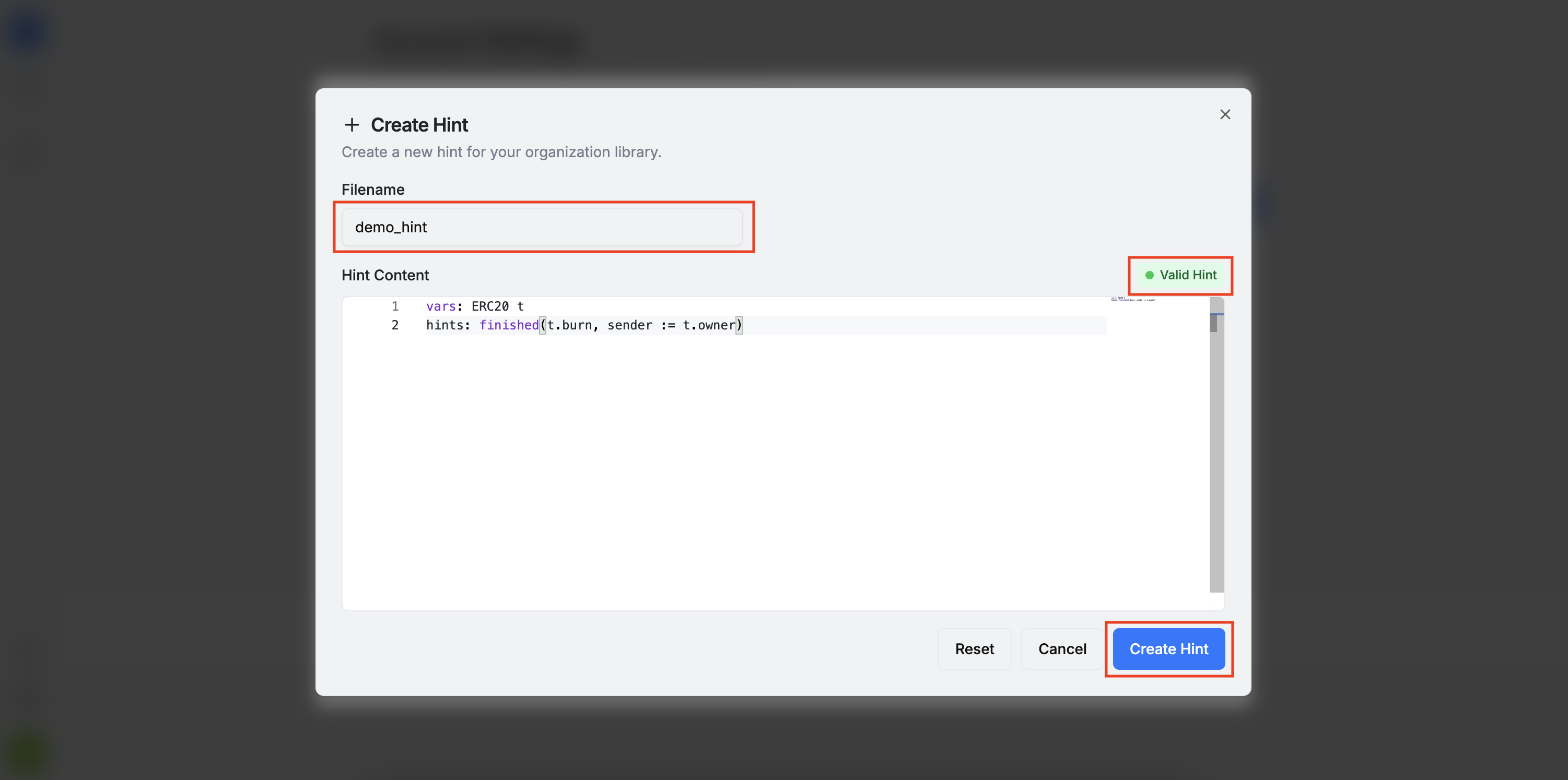
To add a new hint, click the + Add Hint button. This opens a form where you can name your hint and add its content. Similar to [V] specs, hints also follow a particular syntax. More information about the Hint Language can be found here.
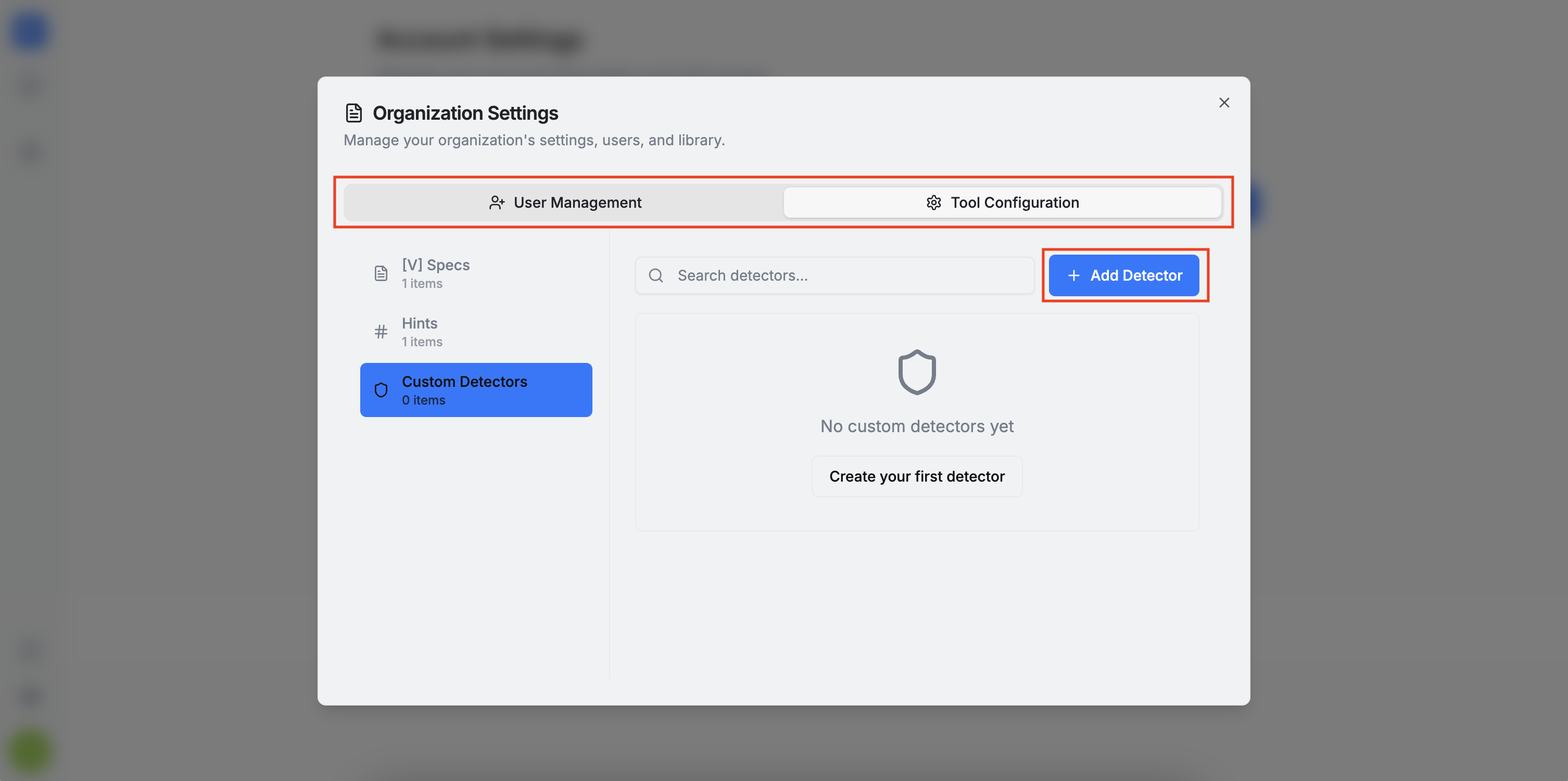
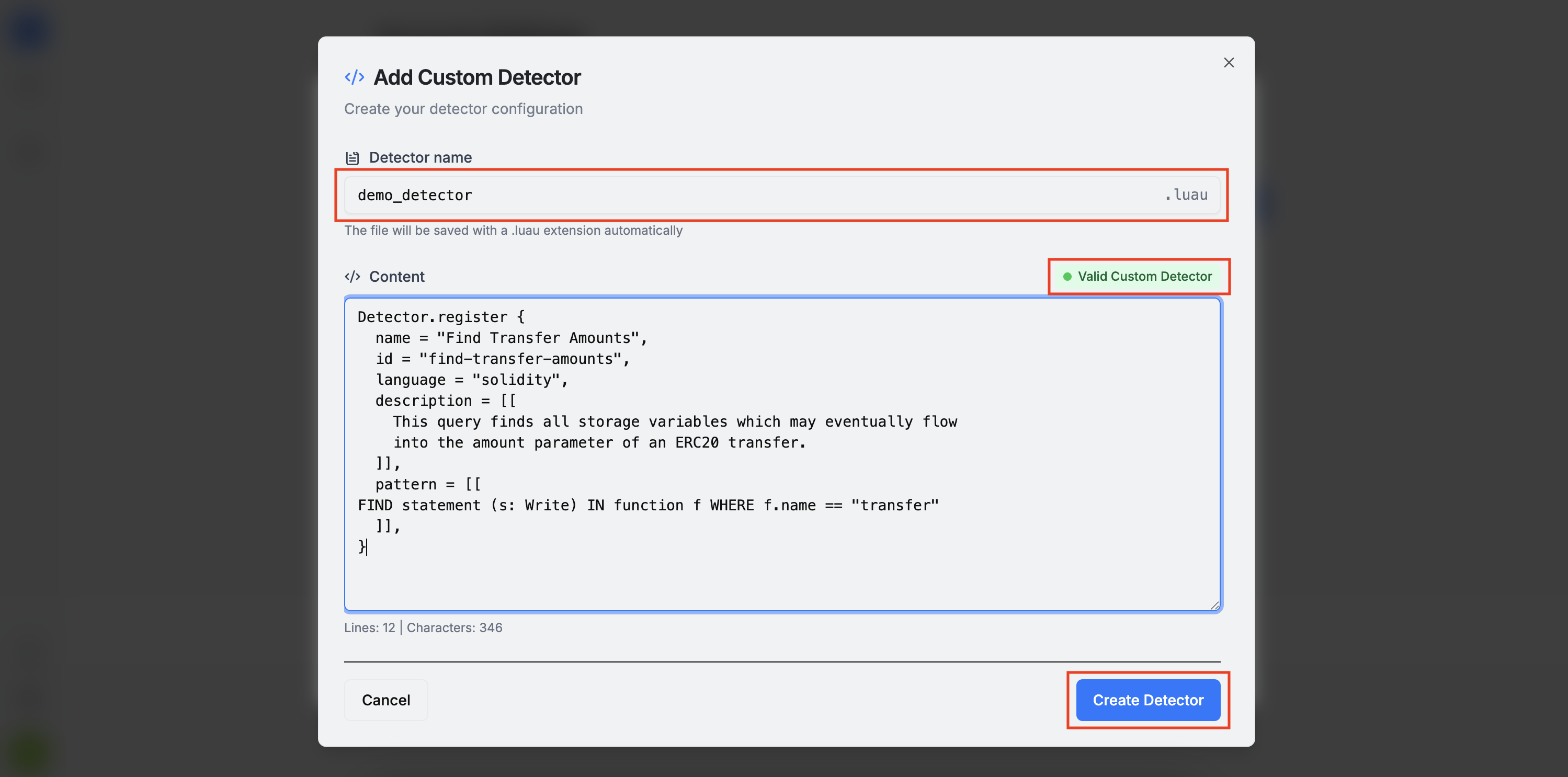
To add a new custom detector, click the + Add Detector button. This opens a form where you can name your detector and add its content. Custom detectors must follow the PAQL format. More information about the PAQL format can be found here.
Please keep in mind the following:
- Any deviation from the required syntax will trigger a warning and you cannot proceed with the item creation unless all syntax issues are addressed.
- All items are automatically saved with the
.spec,.hint, or.luaufile extension, so you do not need to include the extension when naming them.