Projects
The Projects page is the home page of AuditHub. It displays all projects created within an organization.
For background on projects and versions, see Projects and Versions. This page focuses on how to navigate and manage the projects. More information on project creation can be found in the Create Project section.
You can view the Projects page in two modes: grid view and table view. In table view, you can also sort projects by name, active status, and creation date. Additionally, a search bar is available to filter projects by name.
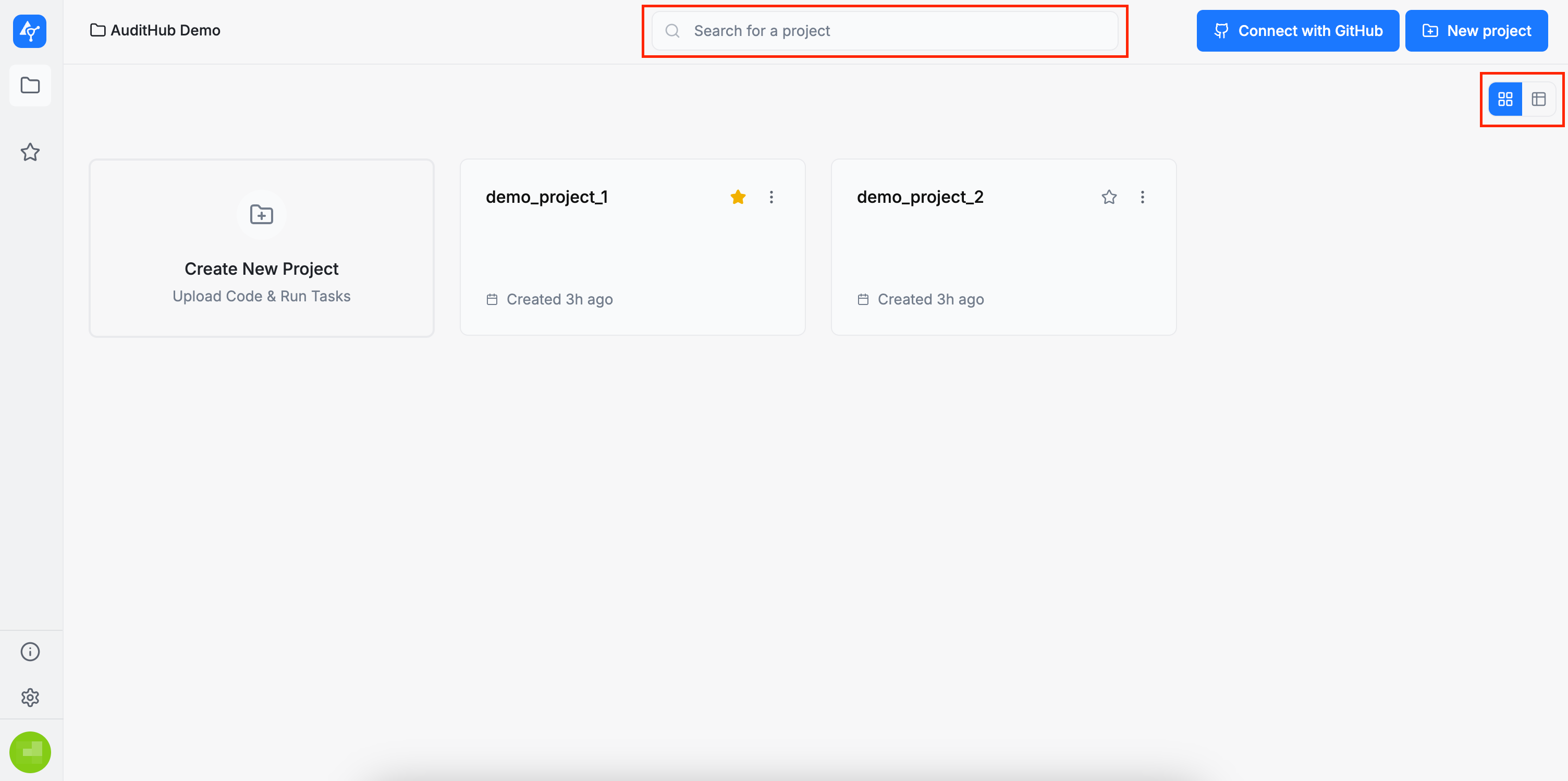
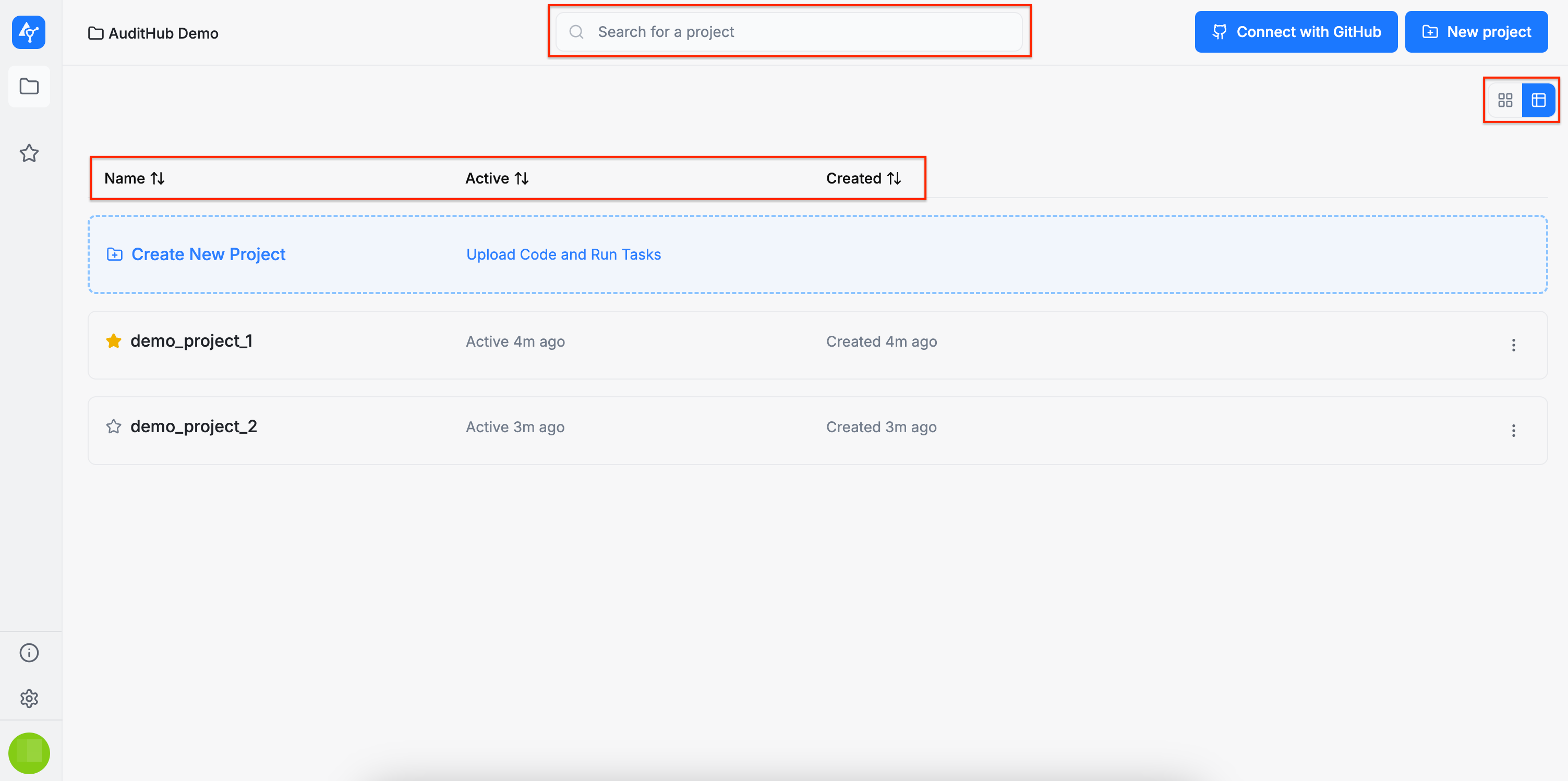
You can also star projects to mark them as favorites. Starred projects will appear in the Favorite Projects section in the left sidebar, allowing you to access them quickly and conveniently.
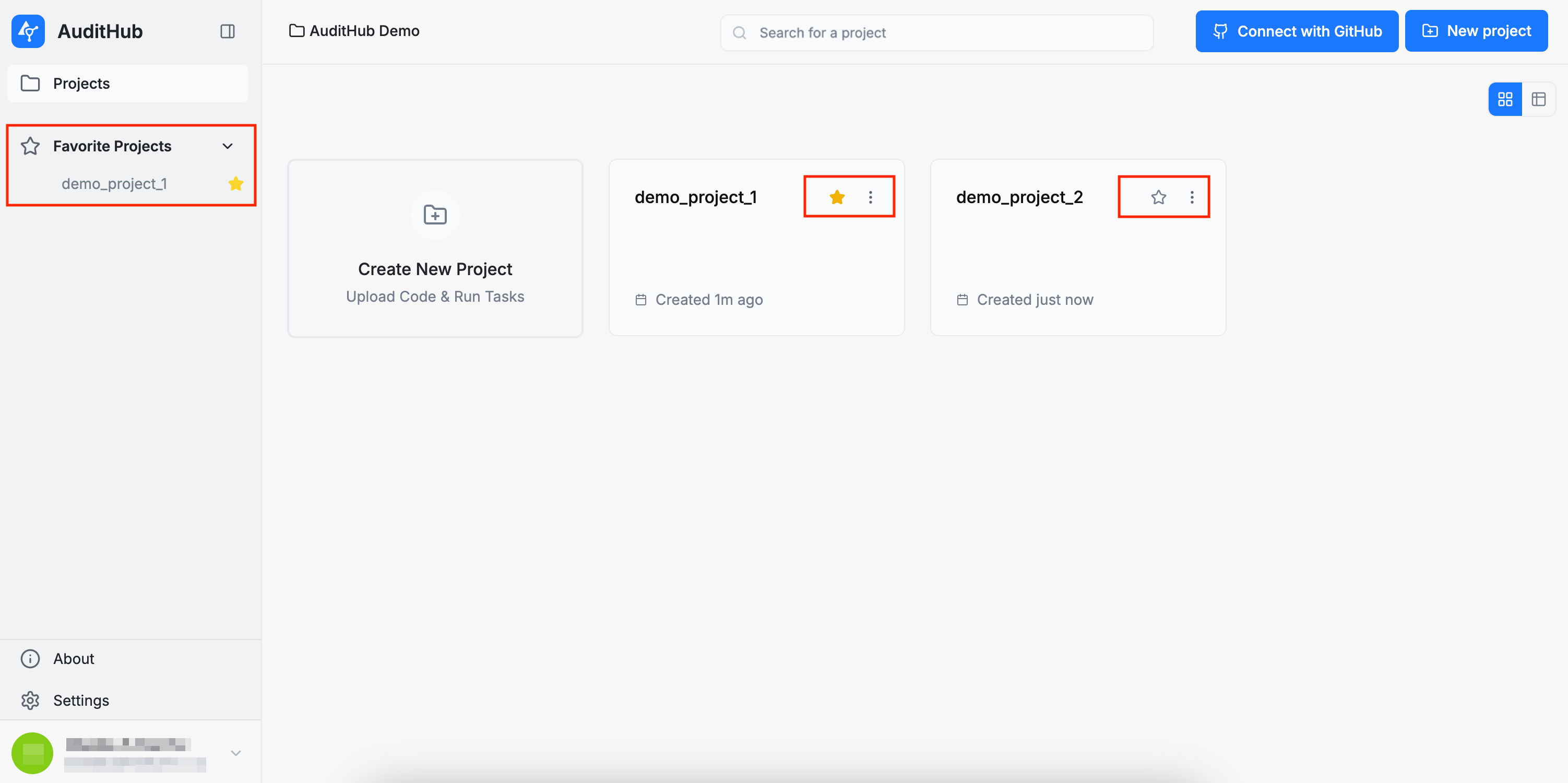
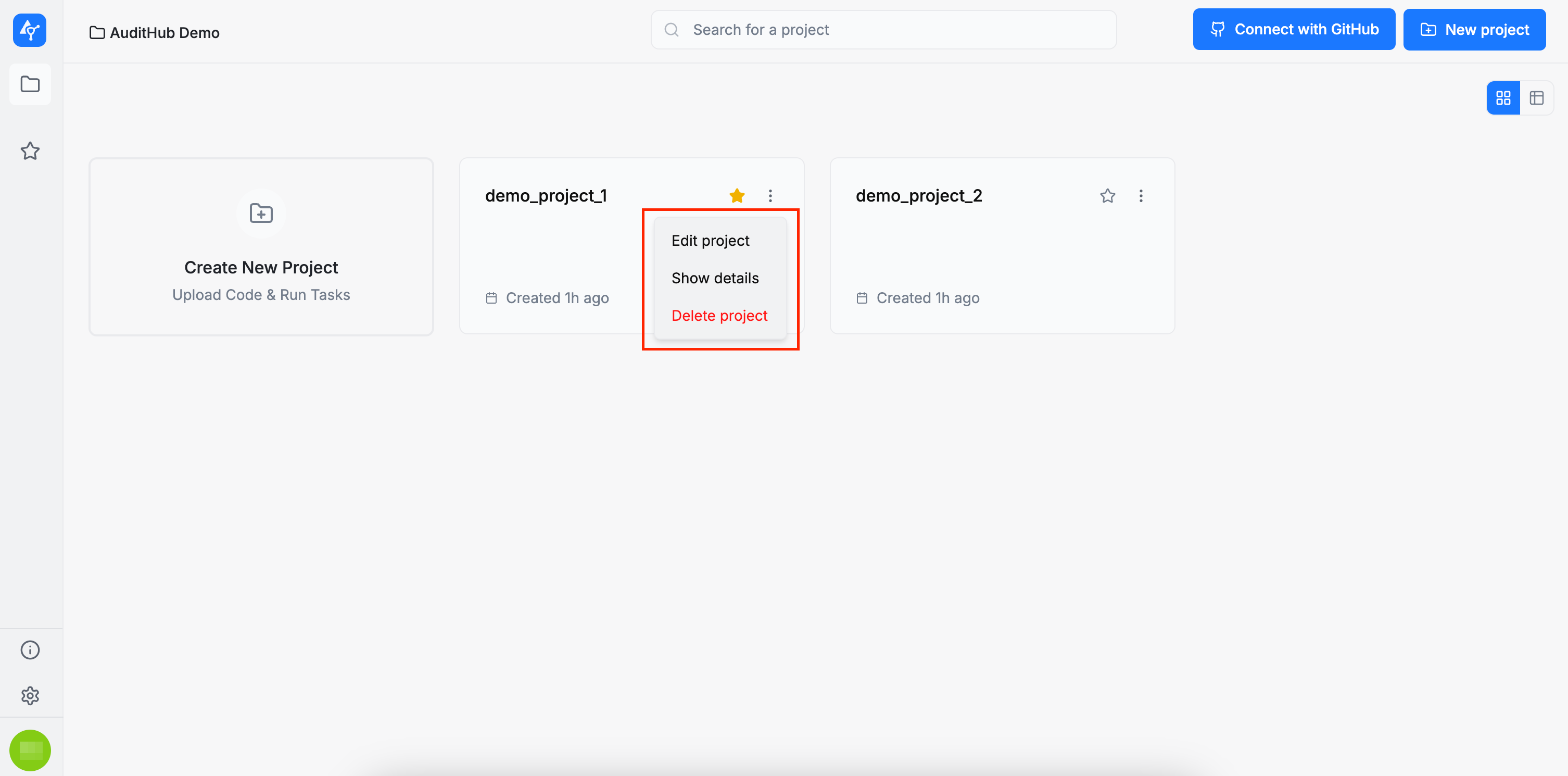
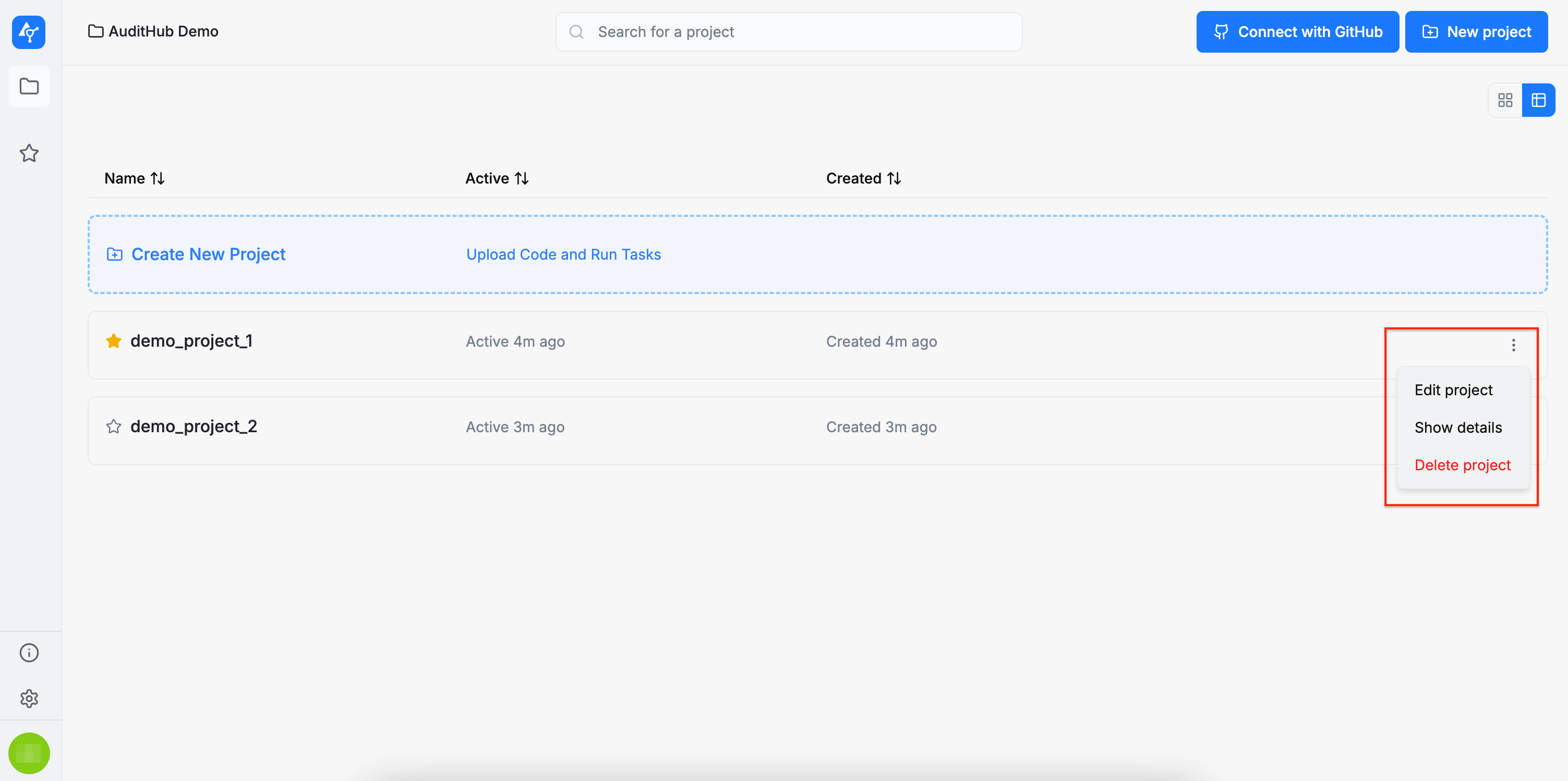
Each project card includes a set of available actions, accessible from the dropdown menu by clicking the three dots in the corner of the card:
-
Edit project: allows you to modify the project’s configuration
-
Show details: displays the current configuration of the project
-
Delete project: permanently deletes the project